

Training content governance is the set of rules that decides who creates training, who approves it, where it lives, how often it is checked and when it is removed. Set the owners, the approval steps and the review dates first. Then keep records. That is the whole job. This guide shows how to do it for sales and contact center teams.
TL;DR
- Governance controls how learning content is created, approved, published, maintained, distributed and retired.
- Name one owner for every course, script and scenario. Put review duties in role descriptions.
- Use a fixed lifecycle: draft, review, publish, monitor, update, archive.
- Review every item on a set schedule. One US university system requires a review at least every three years. Contact centers should check much more often.
- Keep version and completion records. Measure behavior on the job, not only course completions.
Table of Contents
- What training content governance means
- What counts as training content
- Why it matters for ramp-up, quality and retention
- Roles, policies and controls to include
- The training content lifecycle
- Review cadence and retiring old content
- Records, versions and audit readiness
- Managing content across teams, sites and versions
- How to measure whether governance works
- Put governed practice in front of your agents
- A simple 30-day start
- FAQ
- Sources
What training content governance means
Governance is the framework that controls how learning content is created, approved, published, maintained, distributed and eventually retired. It is not a tool. It is a set of decisions that people agree to follow.
It is also not bureaucracy for its own sake. Good rules make course creation easier, because everyone knows how content moves from idea to release.
Without it, you see the same problems again and again:
- Two versions of the same call script in use at once.
- A refund policy that changed in March, but the course still teaches the old one.
- New hires who learn from a deck nobody owns.
- No proof of who was trained on what, and when.
For a contact center or a sales team, these gaps cost real money. Agents give wrong answers. Ramp time grows. Auditors ask for records you cannot find.
What counts as training content
More than courses. Types of learning content include eLearning, videos, PDFs, Word documents, slide decks, webinars, podcasts, case studies, simulations and instructor-led sessions.
The UNT System governance guidelines add print materials, visuals, charts and knowledge checks or quizzes to the list of methods and materials.
For a sales or support team, build your inventory from this list:
- Onboarding courses and call scripts.
- Product and policy knowledge pages.
- Quizzes and knowledge checks.
- Role-play scenarios and the scoring rubrics behind them.
- Coaching guides and call-quality checklists.
- Compliance modules.
If agents learn from it, govern it.
Why it matters for ramp-up, quality and retention
Agents learn fast when the material is right. They learn the wrong thing just as fast when it is wrong.
Proper agent training helps make sure interactions are professional and that agents follow data security, data usage and business policies. That supports regulatory compliance. Governance is what keeps that training correct over time.
The link to your goals is direct:
- Ramp-up. New hires spend less time unlearning old guidance when one approved source exists.
- Customer satisfaction. Customers hear the same correct answer from every agent.
- Skill growth. Practice and feedback use the same standards the QA team uses.
- Retention. Agents who feel prepared are less likely to leave. Clear, current material is part of feeling prepared.
For a deeper look at the numbers behind ramp and coaching, see our training metrics dashboard guide.
Roles, policies and controls to include
Start small. A workable model has four parts: roles, standards, gates and records.
The UNT System guidelines set standards for accessibility, approval, coordination, formatting, naming, scheduling and style. That list is a good checklist for any company. They also say the training cycle should produce training that is accessible to employees with disabilities and compliant with applicable federal and state laws.
Roles
| Role | What they own |
|---|---|
| Training owner | Accuracy and relevance of each item |
| Subject matter expert | Confirms facts before release |
| Instructional reviewer | Clarity, format and learning design |
| Compliance or legal reviewer | Required wording and regulated topics |
| Supervisor or QA lead | Scoring standards and coaching alignment |
| Governance lead | The rules, the calendar and the inventory |
One person can hold several roles in a small team. The key is that every item has a named owner.
Put these duties in writing. Review work gets done when it sits in formal role descriptions and performance goals. When it is an ad hoc favor, it gets skipped.
Policies
Keep the policy set short. Cover these points:
- Intake. How anyone requests new or changed content.
- Approval. Who signs off, and on which types of content.
- Naming and versioning. One format, used everywhere.
- Accessibility. What every item must meet before release.
- Review cycle. How often each type is checked.
- Retirement. How old content is removed and archived.
A written charter can hold all of this on one or two pages. It covers workflows, roles, intake, review and approval, publishing standards, QA and how compliance is handled.
Match the controls to your risk
Not every item needs the same weight. The US Department of Justice says training should be tailored to a company's risk profile, including industry-specific threats and lessons from past incidents. It also says there is no rigid formula for effectiveness.
In practice, split content into tiers:
- High risk: payment handling, privacy, regulated disclosures, safety. Needs SME and compliance sign-off.
- Medium risk: product, pricing and policy content. Needs SME sign-off.
- Low risk: tips, internal how-tos. Needs owner approval only.
This keeps the process light where it can be light.
The training content lifecycle
Use the same path for every item. A practical version has six stages: Draft, Review, Publish, Monitor, Update and Archive. Quality gates sit before publishing. They require the SME to confirm accuracy and an accessibility check to pass, as described by one e-learning governance guide.
Here is how each stage works for a contact center.
- Draft. The owner writes or revises the item. Use a template so format is the same across courses.
- Review. The SME checks facts. An instructional reviewer checks clarity. Compliance reviews anything regulated. Content can also go through legal review where necessary.
- Publish. Release one approved version to one location. Record the version number and effective date.
- Monitor. Watch quiz results, QA scores and agent questions. These show where content is unclear or out of date.
- Update. Change the item when a trigger fires: a policy change, a product release, a failed audit, repeated errors on calls.
- Archive. Remove the old version from view. Keep a copy for the record.
If you want a ready structure for the documents themselves, our call center training manual template is a good place to start. For sequencing content into a path, see the learning pathway design workflow.
Review cadence and retiring old content
Set a maximum age for every item. The UNT System requires that all training in its inventory be reviewed at least every three years to check it is still accurate and relevant. Treat that as a ceiling, not a target. A script that covers pricing or policy needs a much shorter cycle.
A simple cadence for a sales or support team:
| Content type | Review trigger |
|---|---|
| Policy and compliance modules | Every policy change, plus a fixed calendar review |
| Product knowledge | Every product release |
| Call scripts and scenarios | After each QA calibration or when error trends appear |
| Onboarding courses | On a fixed schedule set by the owner |
| Coaching guides | When scoring standards change |
Tie reviews to events you already track, such as release calendars. That makes it easier to predict when content will go stale, and it turns governance into a routine habit instead of a big project.
Retire content without guilt. A smaller library that people trust beats a large one that is stale. If nobody owns an item, nobody uses it, or it contradicts current policy, archive it.
Records, versions and audit readiness
Governance only holds up if you can prove it. Keep two kinds of records.
Content records. In regulated settings, governance tracks versions, change triggers, approval details, effective dates and completion evidence. This supports audit readiness. Keep the policy document and the training version in step, so an old rule cannot linger in your learning system.
Learner records. A US federal review lists what a solid training record holds: employee name, provider, date, duration, competencies and certification or qualification. That report dates from 2009, so check current requirements for your industry. Your legal or compliance lead should confirm which records your sector must keep and for how long.
If your team also handles field or safety training, a guide on how to matrix safety training records shows one way to map people to required courses and spot gaps fast.
For sales teams that need audit-ready records without a heavy rollout, we lay out a short pilot in this sales training compliance pilot plan.

Managing content across teams, sites and versions
Things break when you add departments and locations. Follow these rules:
- One source of truth. Each item lives in one place. Other places link to it.
- One owner per item. Shared ownership means no ownership.
- Local variants are labeled. If a state or site needs different wording, make it a named variant with its own owner and review date.
- Same naming everywhere. Course name, version, date.
- Same gates everywhere. Local teams can add steps. They cannot skip them.
Hold a short governance meeting each quarter. Review the inventory, the overdue reviews and the top content issues from QA. Keep it to 30 minutes.
How to measure whether governance works
Do not stop at completion rates. The DOJ's guidance asks whether employees engage with the training, learn the subject matter and whether it changes behavior or operations. That is a good three-part test for any training program.
Apply it like this:
- Engagement. Are people finishing and using the content?
- Learning. Do quiz and scenario scores show they understood it?
- Behavior. Do QA scores, first-call resolution and customer satisfaction move after a content update?
Also track governance health on its own:
- Share of items with a named owner.
- Share of items past their review date.
- Average time from policy change to updated training.
- Number of retired items per quarter.
These show whether the system is alive. For dashboard design, see our guides on training data visualization for contact centers and training ROI calculation.
Our view: practice content needs governance too
Most governance advice stops at documents and courses. We think the practice layer matters just as much.
Role-play scenarios and scoring rubrics shape what agents do on real calls. If a scenario teaches an outdated policy, agents rehearse the wrong answer. If the scoring does not match your QA standard, agents get coached toward a different target than the one managers use.
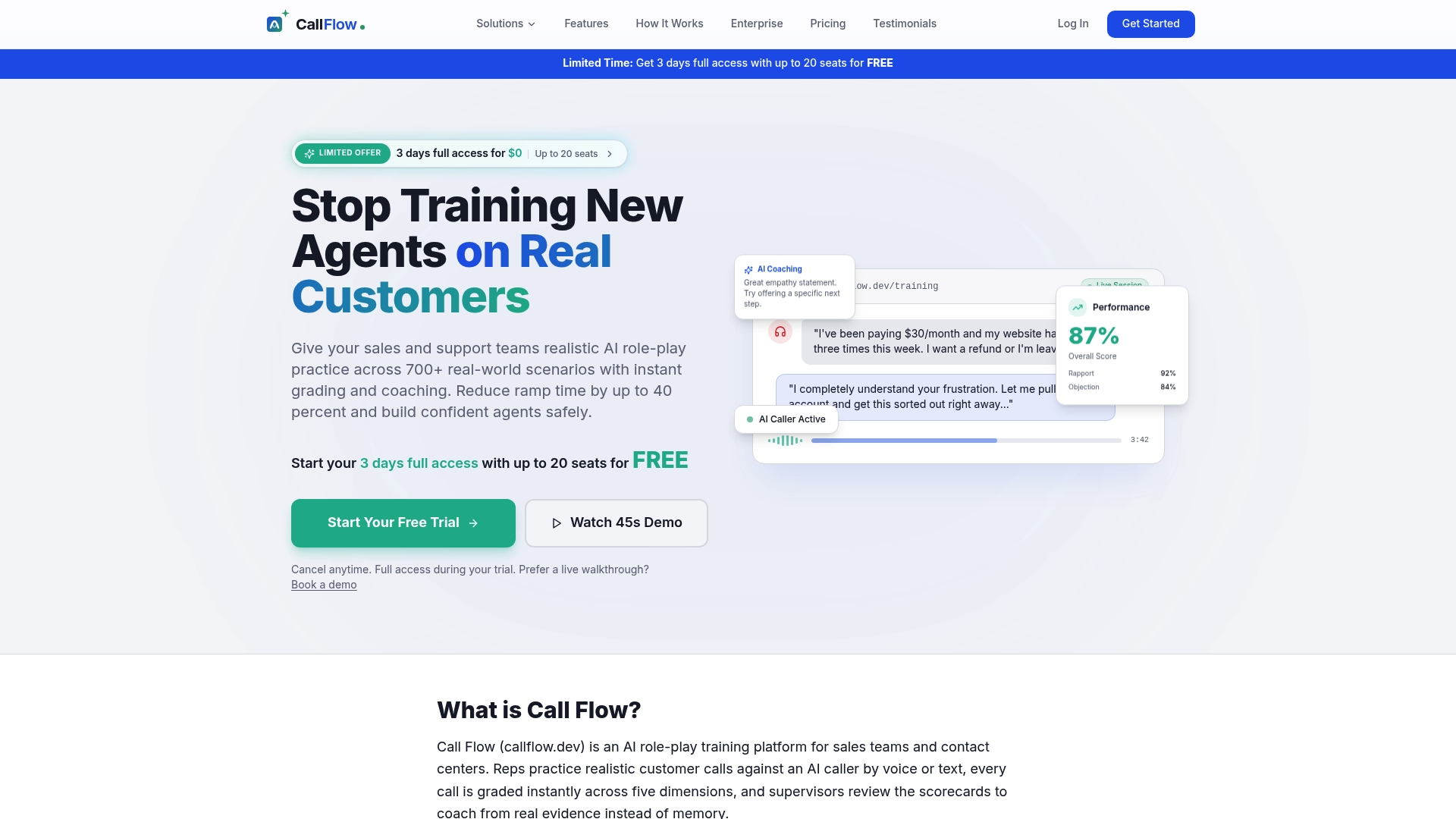
That is why we built Call Flow around scenarios you can configure, instant AI grading across five performance dimensions, and supervisor review and override. Scoring is calibrated to match the QA standards you already have. When a policy changes, you update the scenario once, and every agent practices the new version.
Our advice is simple. Treat each scenario like any other approved training item. Give it an owner. Give it a review date. Let supervisors see the scores and correct them. Governance then covers the way people practice, not only what they read.
Costa
Put governed practice in front of your agents
Call Flow is an AI role-play training platform for sales teams and contact centers. Agents practice realistic customer calls in voice or text and get instant feedback. Supervisors get dashboards, skill analytics and review tools, and you can build custom scenarios that follow your own approved content.
Plans are published: Starter is $7.42 per month or $89 per year, Growth is $14.92 per month or $179 per year, and Scale is $33.25 per month or $399 per year. You can see them on the Call Flow pricing page. Larger teams can look at the Business and Enterprise options.
Want to see how AI practice fits a wider program first? Read our guide to AI contact center training.
A simple 30-day start
You do not need a big project. Do this:
Week 1: Inventory. List every course, script, deck, quiz and scenario. Note where it lives and who last touched it.
Week 2: Assign owners and tiers. Name one owner per item. Mark each item high, medium or low risk.
Week 3: Write the charter. One or two pages: roles, approval steps, naming, review cycle, retirement rule.
Week 4: Clean up and schedule. Archive what is stale. Set the next review date on everything that stays. Book the first quarterly meeting.
Then repeat the cycle. Governance is a routine, not a launch.
FAQ
What is training content governance in simple terms?
It is the set of rules for how training material is made, approved, shared, updated and removed. It names who is responsible for each step. The goal is that employees always learn from current, correct material.
Who should own training content governance?
A governance lead, often in L&D or training operations, should own the rules and the calendar. Each course or script also needs its own owner, usually the person closest to the subject. Write these duties into role descriptions so they are treated as core work.
How often should training content be reviewed?
Set the cycle by risk. One US university system requires review at least every three years. For fast-changing content such as pricing, policy and product knowledge, review at every change and on a regular calendar. Retire anything nobody owns or uses.
How do I manage training content across multiple locations?
Keep one source of truth and one owner per item. Label any local variant, give it its own owner and review date, and use the same naming and approval gates at every site. A short quarterly review keeps the inventory clean.
What records should I keep?
Keep version history, approval details, effective dates and completion evidence for content. For learners, keep name, provider, date, duration, competencies and certification where relevant. Ask your compliance lead which records your industry requires.
Sources
- UNT System Enterprise Employee Training Governance Guidelines
- U.S. Department of Justice Criminal Division, Evaluation of Corporate Compliance Programs
- 15 best practices for contact center agent training programs, TechTarget
- Governance Policies For Content Within An LMS, eLearning Industry
- Training and Employee Development review, Amtrak Office of Inspector General
- AI Makes Course Creation Cheap. Content Governance Becomes More Valuable
- How to set up e-learning governance in 90 days
- Keeping training in sync when policies and SOPs change
- Matrix Safety Training Records, Firmanager Blog