

A learning pathway is a sequenced set of learning experiences that moves a learner from novice toward proficiency, built from stages that connect, acquire, and practice with feedback, as Mines' course design framework describes it. The first design step is simple: write one measurable course learning outcome and decide what evidence will prove learners reached it. This guide covers the workflow, an activity bank, a pilot checklist, and measurement guidance to get there.
TL;DR:
- A learning pathway must include connect, acquire, and practice activities, with checkpoints and feedback, to ensure reinforcement and skill transfer.
- Clear course and module outcomes, aligned assessments, and scaffolds are essential to maintain focus and support learner progression.
- Designing pathways with backward planning and detailed mapping prevents padding and ensures activities directly serve the intended outcomes.
- Incorporating branching, optional remediation, and co-design allows for personalized pacing and adaptive learning tailored to individual learners.
- Regular pilot testing, tracking mastery rates, time-to-mastery, and collecting qualitative evidence improve pathway effectiveness over time.
Table of Contents
- What a learning pathway is and why it matters for progression
- Core components: outcomes, checkpoints, scaffolds, and feedback
- How do you design a learning pathway using backward design?
- Activity examples for connect, acquire, and practice stages
- Assessment alignment: matching evidence to cognitive demand
- Branching, personalization, and co-designing the sequence with learners
- Implementation workflow: from course map to live pilot
- Evaluation and metrics: what proves a pathway is working
- Practitioner insight: accelerating practice with instant feedback
- Launch checklist and common pitfalls
- A faster way to build the practice stage
- FAQ
- Sources
What a learning pathway is and why it matters for progression
A learning pathway is not a single course or a playlist of videos in sequence. It is a structured set of experiences, repeatable and iterative, organized around three functions: Connect, Acquire, and Practice with Feedback, a model Mines' course design resource lays out explicitly. Connect activities link new material to what learners already know. Acquire activities deliver new content or skills. Practice with Feedback activities let learners apply what they learned and get a response that tells them what to adjust.
These elements can repeat within a single pathway. A learner might connect, acquire, practice, then circle back to acquire a related sub-skill before practicing again. That looping distinguishes a pathway from a static playlist, where content plays in one direction with no built-in return trip for reinforcement.
Intentional pathway design produces benefits a loose sequence of materials does not:
- Clearer progression: learners see where they stand and what comes next, instead of guessing at a syllabus.
- Stronger motivation: frequent, focused feedback keeps effort aligned with visible gains, a core condition for deliberate practice named in Mines' guidance.
- Better alignment with outcomes: every activity ties back to a stated goal, so time spent in the pathway maps to skill gained.
- More inclusive choices: built-in checkpoints and optional branches accommodate learners who arrive with different prior knowledge or pace.
A pathway with no connect stage skips the step that makes new material stick. A pathway with no practice stage produces learners who can recognize an idea on a quiz but cannot perform it. Treat the three functions as a minimum structure, not a suggestion.
Core components: outcomes, checkpoints, scaffolds, and feedback
Four building blocks hold a pathway together, and each one feeds the next.
- Course learning outcomes (CLOs) state what a learner can do by the end of the full pathway. Module learning outcomes (MLOs) break that end goal into smaller, sequenced targets. Every MLO should trace back to a CLO: if a module outcome does not serve a course outcome, cut it or move it.
- Checkpoints mark the moments where a learner demonstrates progress. Some checkpoints are required gates a learner must pass before advancing. Others are optional, offering extra practice or enrichment without blocking the main route forward.
- Scaffolds are temporary supports, worked examples, sentence starters, checklists, that get removed as a learner's competence grows. Mines' framework treats scaffold removal as part of the design, not an afterthought.
- Feedback loops and rubrics define success criteria in advance so learners know what "proficient" looks like before they attempt a task, not after.
A practical rule: write the CLO first, draft the rubric for it second, then decide how many MLOs and checkpoints the learner needs to reach that rubric's top band. Skipping the rubric step is the most common reason pathways drift. Designers add activities because they seem useful, not because evidence says a learner needs them to meet the stated outcome.
How do you design a learning pathway using backward design?
Backward design starts with the destination and works backward to the first activity, a sequence Virginia Tech's course design guidance recommends over starting with content or activities. The process has four stages:
- Define outcomes. Write CLOs as observable, measurable statements: "Diagnose a customer objection and select an appropriate response strategy," not "Understand objection handling."
- Choose evidence. Decide what a learner must produce or demonstrate to prove the outcome was met, a scored role-play, a written analysis, a live call review.
- Select activities. Choose Connect, Acquire, and Practice activities that build directly toward producing that evidence. Nothing goes into the pathway unless it serves a chosen piece of evidence.
- Map modules. Sequence the activities into modules, placing checkpoints at natural mastery boundaries.
A course map, sometimes called an outcome map, is the document that captures this work. JSU's online course design workbook treats the map, listing CLOs, MLOs, aligned assessments, activities, and notes, as the blueprint a team produces before building anything. A usable course map worksheet includes:
- One row per module, with its MLO stated as an action verb plus object.
- The assessment or evidence tied to that MLO.
- The activity type (Connect, Acquire, or Practice) that prepares learners for it.
- A column for scaffolds and a column noting whether the checkpoint is required or optional.
Each step in this workflow produces a concrete deliverable, not just a decision:
- From "define outcomes," a one-page CLO list with action verbs and measurable conditions.
- From "choose evidence," a short rubric or scoring guide for each CLO.
- From "select activities," an activity inventory tagged by pathway stage.
- From "map modules," the completed course map, the single reference document the rest of the team builds from.
Resist the temptation to start with activities you already have on hand and work forward. Working forward from existing content is how pathways end up padded with material that feels relevant but does not map to any stated outcome. Start from the outcome, every time, even when it means retiring a favorite slide deck.
Activity examples for connect, acquire, and practice stages
Each pathway stage calls for a different kind of activity, and matching the activity to the stage keeps learners moving instead of stalling on content that is pitched wrong for where they are.
Connect activities link new material to prior knowledge or real work.
- A short diagnostic quiz that surfaces what learners already know before new content arrives.
- A discussion prompt asking learners to describe a related situation from their own work.
- A brief case snippet that previews the problem the module will solve.
- A self-assessment checklist against the upcoming outcome.
- A quick poll comparing learner assumptions to the correct framework.
Acquire activities deliver new content efficiently.
- A microvideo under five minutes covering one concept.
- A worked example that walks through a full problem step by step.
- A curated reading with a guiding question attached.
- An annotated transcript of an expert performing the target skill.
- A short infographic summarizing a decision framework.
Practice with Feedback activities are where skill actually forms.
- A scripted role play scored against a rubric.
- A simulation that mimics a real customer or client interaction.
- A peer review exchange using a shared scoring guide.
- A timed scenario response with immediate written feedback.
- A recorded practice attempt reviewed by a facilitator or coach.
Formative feedback works best when it is specific, tied to the rubric, and delivered close to the attempt, not batched into a weekly summary. Ready-made role-play scenarios can shortcut the practice stage when building scenarios from scratch would eat the whole design timeline.
Pro Tip: Pair every Acquire activity with a Connect activity from the prior module so learners never meet new content cold.
Assessment alignment: matching evidence to cognitive demand
An assessment only counts as valid evidence when it matches the thinking level the outcome demands. Guidance built on Bloom's taxonomy makes the point directly: multiple-choice questions work fine for identification or recall outcomes but fall short for synthesis or evaluation outcomes, where a learner needs to produce something, not select from a list.

If a CLO says "design a coaching plan for an underperforming rep," a quiz cannot serve as evidence. The evidence has to be a produced artifact, a written plan, a recorded coaching session, scored against criteria that match the complexity of the verb "design."
Formative checkpoints should appear before the summative one, giving learners a low-stakes chance to see where they stand:
- A short self-check after each Acquire activity, ungraded, diagnostic only.
- A peer-scored draft before the instructor-scored final version.
- A facilitator spot-check mid-pathway, flagged as practice, not grade.
- A rubric shared with learners before the attempt, not after.
A brief rubric template for a performance-based outcome needs only three bands: does not meet, meets, and exceeds, each with one or two observable descriptors. Keep rubrics short enough that a facilitator can score consistently across many learners; a twenty-criteria rubric invites inconsistent scoring more than it improves it.
Branching, personalization, and co-designing the sequence with learners
Not every learner needs the same route through a pathway, and building in flexibility does not require abandoning a common standard. Mines' framework recommends designing pathways as branching systems: keep required checkpoints fixed, then attach optional remediation or extension content around them.
Three branching patterns cover most cases:
- Remediation tracks: a learner who fails a checkpoint gets routed to a short review module before retrying, rather than being blocked outright or waved through.
- Extension tracks: a learner who clears a checkpoint early gets optional, deeper material instead of idle time waiting for the group.
- Mastery gates: a required checkpoint that every learner must pass before the pathway allows advancement, regardless of track.
Co-design adds another layer of flexibility by involving learners directly in sequencing choices. Research on self-regulation and co-designed pathways describes a process where learners select from a validated repository of sequence options and reflect on their choices, a pattern shown to support ownership and self-regulated learning. In practice, this can be as simple as offering two validated module orders and asking learners which fits their current role better.
Adaptive sequencing only works when success criteria stay visible throughout. A guide to transparent learning goals notes that showing learners the destination and the next milestone, at every branch point, keeps flexible pathways from feeling like a maze.
Pro Tip: Cap branching options at two or three per checkpoint; more choices slow decisions without adding real personalization.
Implementation workflow: from course map to live pilot
A finished course map is a plan, not a program. Moving from map to a running pathway follows a short sequence.
- Build a minimum viable pathway. Select the smallest set of modules that covers one full Connect, Acquire, Practice with Feedback cycle, enough to test the design without building the entire course.
- Design the pilot. Set a timeline, usually two to four weeks, choose a sample of real learners, and define success metrics before the pilot starts, not after.
- Select tool categories. An LMS module handles sequencing and checkpoint gating. A microlearning service hosts short Acquire content. A simulation or sandbox environment supports Practice with Feedback activities that need realistic conditions. Pick categories based on what each stage requires, not on what is already licensed.
- Prepare rollout materials. Orientation content tells learners what the pathway expects of them. A facilitator guide gives coaches scoring guidance and common misconceptions to watch for. Call center training manual templates and a manager's playbook for shortening onboarding offer starting structures for both.
- Assign content ownership. Name who updates each module after launch, so the pathway does not go stale once the pilot ends.
- Run the pilot and collect evidence. Track checkpoint pass rates, time spent per stage, and facilitator notes, then compare results against the success metrics set in step two.
Teams building AI-assisted components into a pathway at scale may find it useful to review orchestration patterns for AI-powered learning experiences, particularly when planning how automated feedback tools fit alongside human facilitation.
Evaluation and metrics: what proves a pathway is working
Completion rate alone says almost nothing about whether a pathway built skill. A fuller picture combines outcome metrics and process metrics:
- Mastery rate: the share of learners who clear each required checkpoint on the first attempt.
- Time-to-mastery: how long learners take to move from the first Acquire activity to a passing Practice with Feedback score.
- Transfer or performance change: whether the skill shows up in real work after the pathway ends, not just in the simulated checkpoint.
- Retention: whether a skill still holds up weeks later, checked through a spaced follow-up task.
- Engagement: time on task and checkpoint attempt patterns, read alongside outcome data, never alone.
Qualitative evidence rounds out the numbers. Work samples, facilitator notes, and learner reflections surface problems a dashboard misses, a point Ohio State's course design workbook makes when it recommends using student work and reflections, not completion data alone, to guide revisions.
A hybrid recommendation framework combining learner data with knowledge structure can generate higher-quality personalized sequences, according to a 2024 study on personalized pathway recommendation, though such systems still need guardrails to protect learner agency and keep the logic transparent to the people using it.
Build a feedback loop into the pathway's lifecycle: review pilot evidence on a set schedule, flag modules with low mastery rates or high time-to-mastery, and revise before the next cohort starts. A training metrics dashboard that surfaces these figures in one place makes this review faster to run on a recurring basis.
Practitioner insight: accelerating practice with instant feedback
We built our platform around the Practice with Feedback stage specifically, because that stage is where most training programs stall: a rep rehearses a scenario once, gets a delayed or vague review, and moves on without correcting the specific habit that needed fixing. We offer configurable voice and text role-play scenarios that score each attempt across multiple performance dimensions immediately, so the loop between attempt and correction shrinks from days to minutes. Teams using this kind of compressed feedback loop in similar contexts have seen substantially improved ramp times and resolution-rate scores.
A few tactics transfer directly into any pathway's practice stage:
- Script scenarios around real objection or complaint patterns, not generic small talk.
- Calibrate scoring criteria against existing QA standards before the first cohort runs.
- Attach short coach notes to each scored attempt so feedback explains the "why," not just the score.
Launch checklist and common pitfalls
Before launch, confirm five things: written CLOs, a completed course map, a scheduled pilot, a rubric for every checkpoint, and a date set to review pilot results.
- Pitfall one: building activities before outcomes. Fix it by locking CLOs first, even in draft form.
- Pitfall two: grading recall when the outcome demands performance. Fix it by checking each assessment's verb against its CLO's verb.
- Pitfall three: skipping the pilot review and scaling straight to full rollout. Fix it by blocking review time on the calendar before the pilot starts.
Teams short on time should protect the course map and the pilot review above everything else; both are cheap to skip and expensive to skip wrong.
— Costa
A faster way to build the practice stage
Writing the outcomes and map takes real time; building and scoring realistic practice scenarios from scratch takes more. Sales and contact center teams who want to skip the scenario-building step can bring role-play simulations into the Practice with Feedback stage of a pathway already mapped using the workflow above, with instant scoring replacing manual review for every attempt.
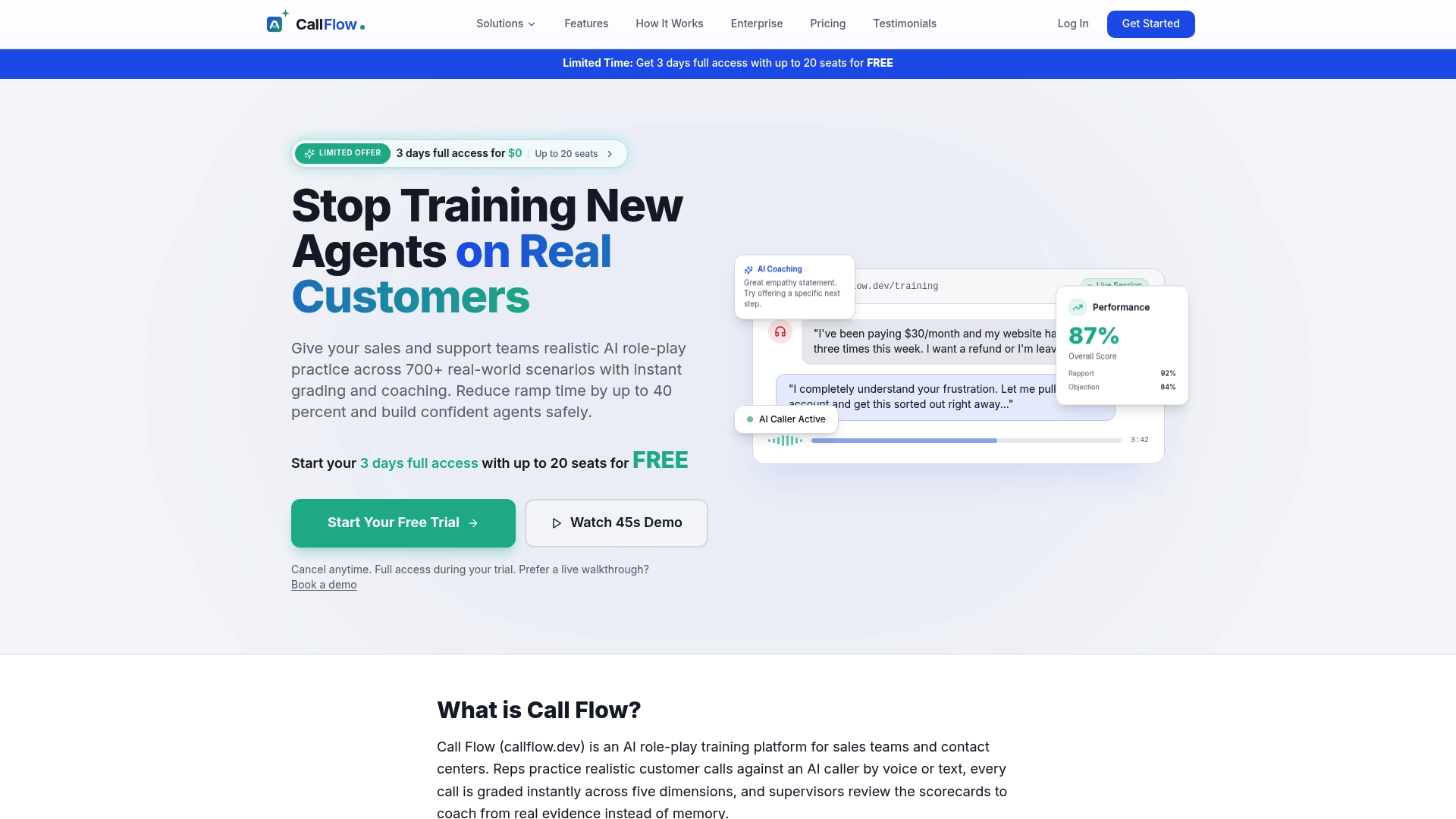
Our pricing page lists Starter, Growth, and Scale plans with monthly and annual billing, and our enterprise page covers Business and Enterprise options for larger rollouts. Every plan includes full-feature access during a risk-free trial, so a team can test one pathway module before committing.
FAQ
What are the 5 principles of instructional design?
Instructional design principles vary by framework, but most converge on defining measurable outcomes, choosing evidence that matches cognitive demand, sequencing activities from connection through practice, building in formative feedback, and scaffolding support that fades as competence grows. These principles echo the backward design sequence of outcomes, evidence, and instruction used throughout pathway design.
What does a learning pathway look like?
A learning pathway looks like a sequenced set of modules, each built from Connect, Acquire, and Practice with Feedback activities, with checkpoints marking progress and optional branches for remediation or extension. The Mines pathway model documents this structure as elements that can repeat rather than a single straight line.
What are the learning pathways?
A learning pathway is a structured route through a set of learning experiences designed to move a learner from novice toward proficiency in a defined skill or outcome. Each pathway is built around a course map that ties outcomes, assessments, and activities together, rather than a loose collection of unrelated materials.
What are the 5 stages of the learning process?
Definitions of the learning process vary across frameworks, so there is no single universally agreed five-stage model; a common practical version moves through connecting to prior knowledge, acquiring new content, practicing with feedback, demonstrating mastery at a checkpoint, and transferring the skill to real performance. This version aligns with the Connect, Acquire, and Practice with Feedback structure from Mines' course design guidance.
Sources
- Foundations of Course Design: Building Learning Pathways
- Course and syllabus design | Virginia Tech
- Bloom's taxonomy guidance (Utica/JSU excerpt)
- Self-regulation of learning and the co-design of personalized learning pathways